Film your workout with live fitness metrics
Heart rate, distance, and many more workout stats overlaid on the camera. Record and share on social media.
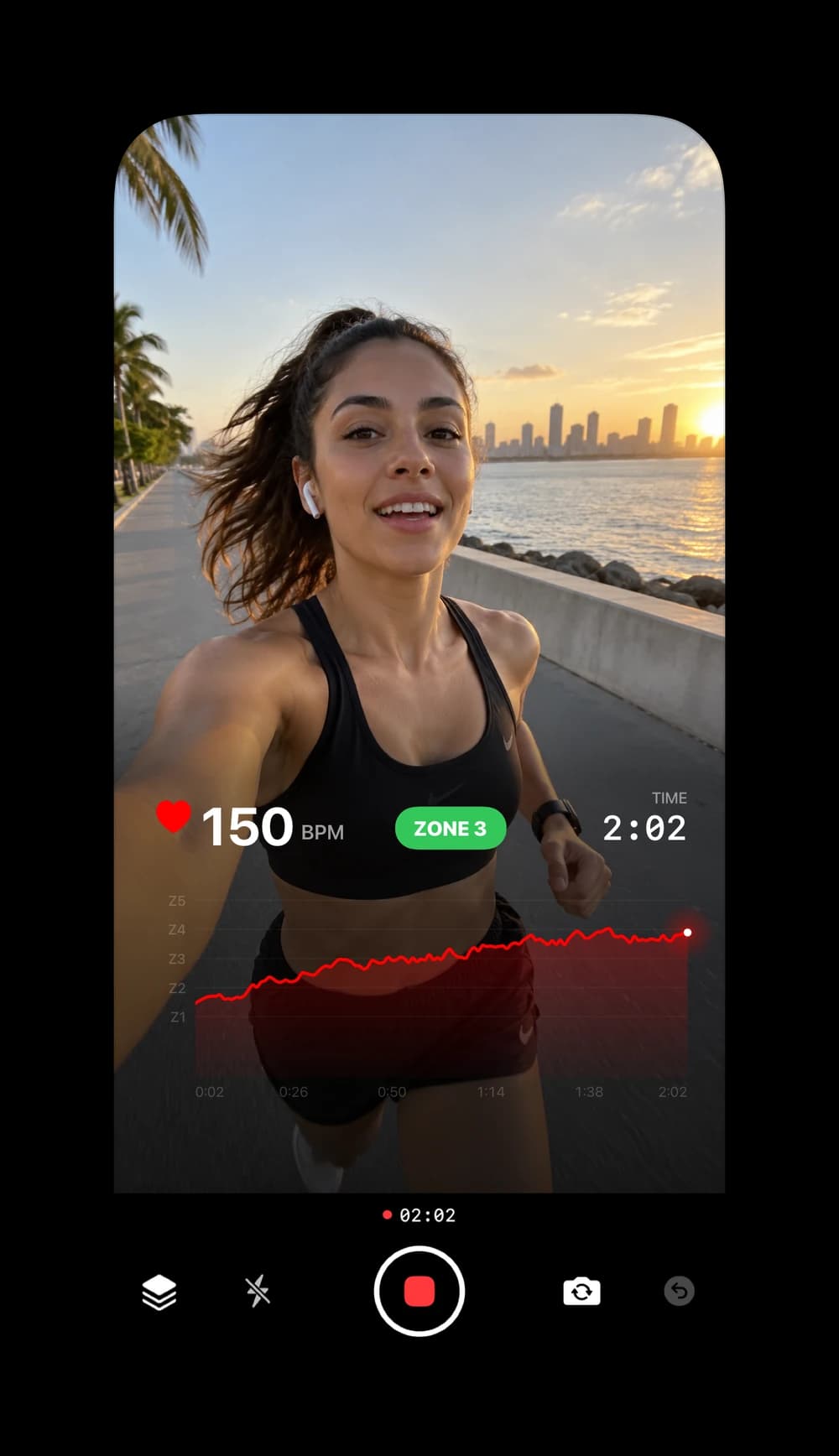
Start filming with live overlays
Your heart rate, training zone and workout time sit right on the camera as you record, with a live chart that climbs with your effort. What you capture is what you share.
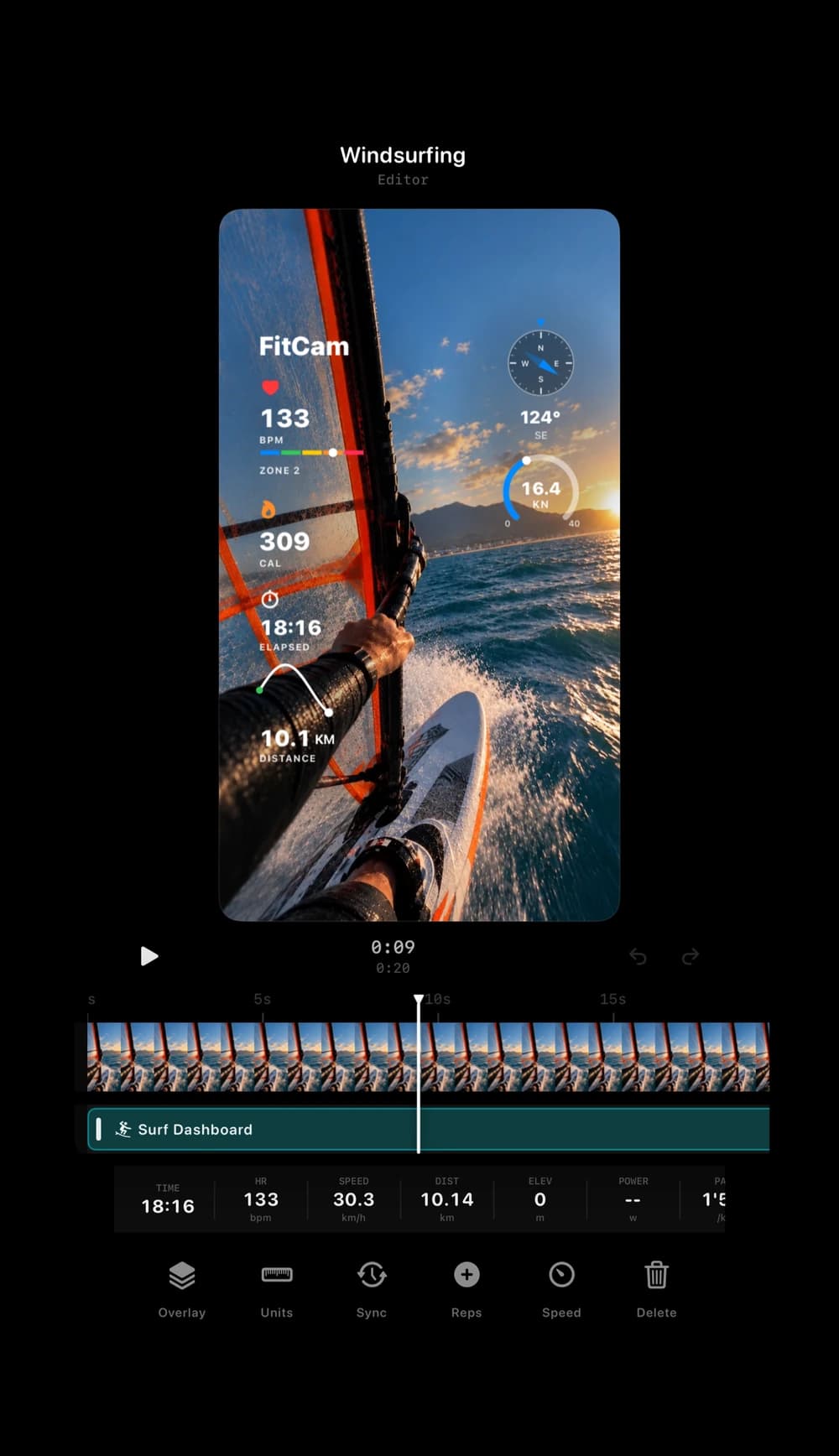
Import any video and workout
Bring in footage from any camera and FitCam finds the Apple Health workout you recorded at the same time, or import GPX and FIT files. Fine-tune the sync to the second, pick an overlay, and export.
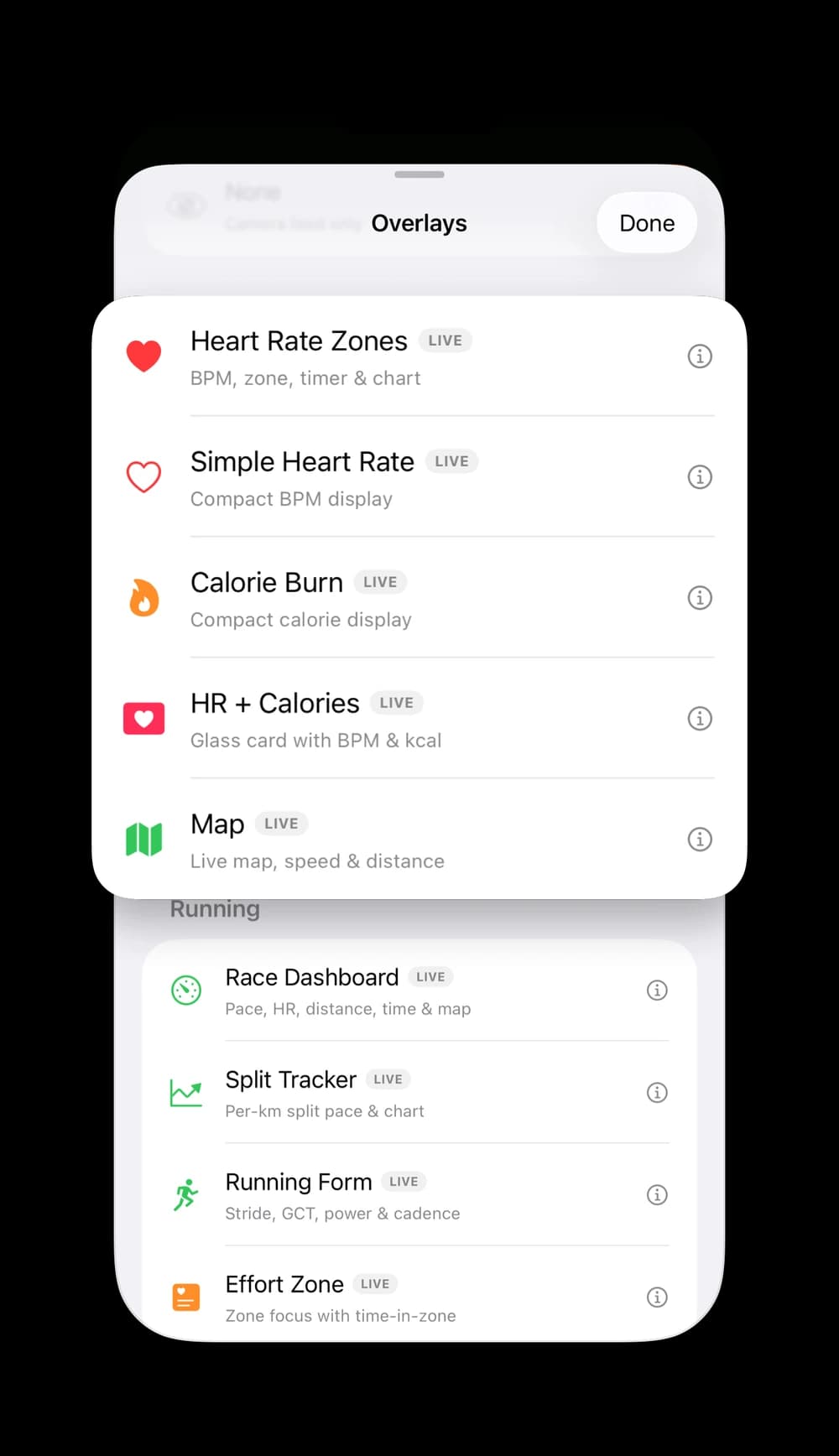
20+ overlays curated for every workout
Running, cycling, surfing, swimming, strength, HIIT, yoga and racket sports, each with an overlay built around the stats that matter for it.
Overlays for running, cycling, surfing and more
Each sport gets an overlay built around its own numbers, from heart rate zones on a run to speed and heading on the water.
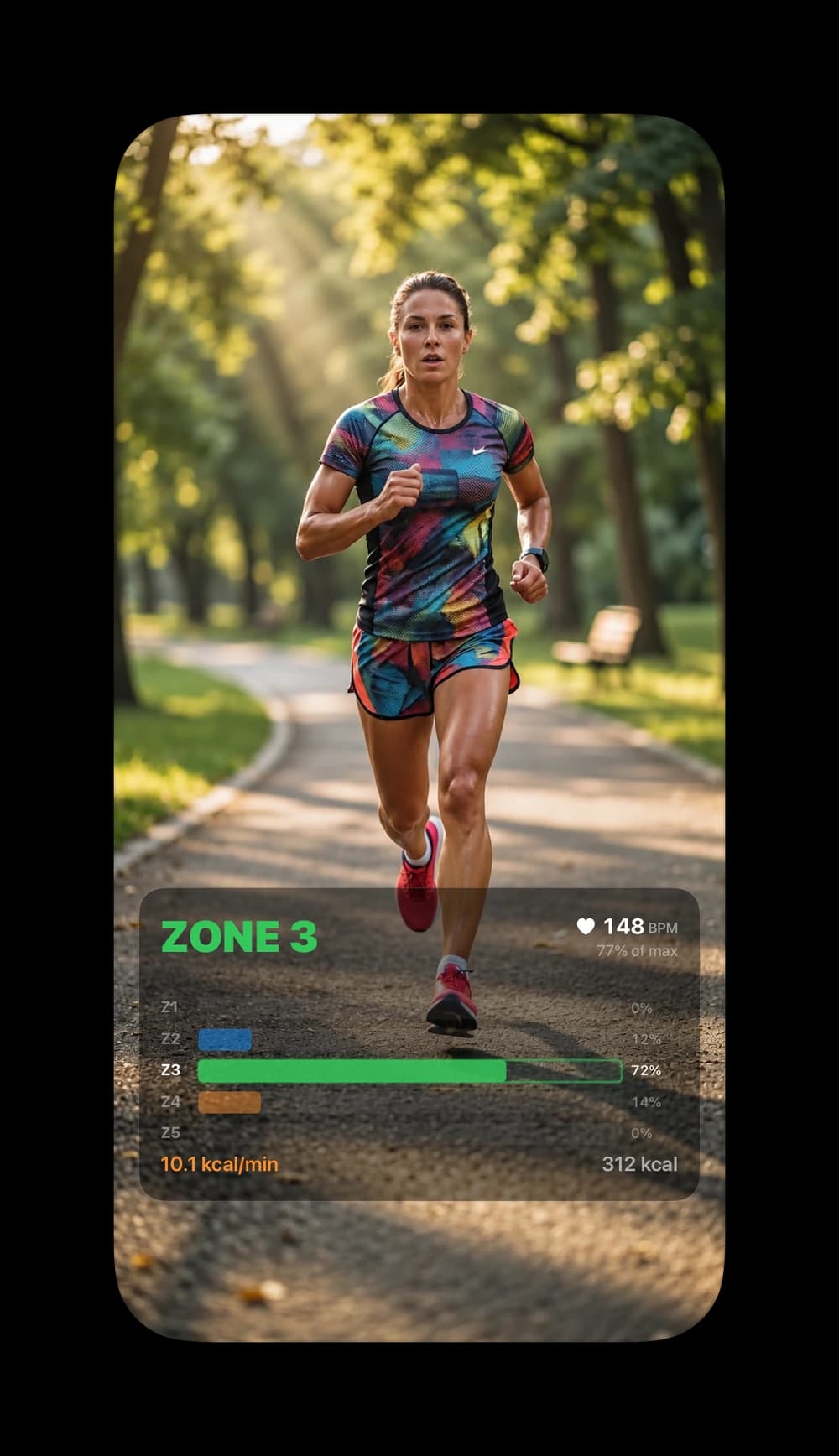
Running Overlays
Your heart rate zone, time in each zone and calorie burn.
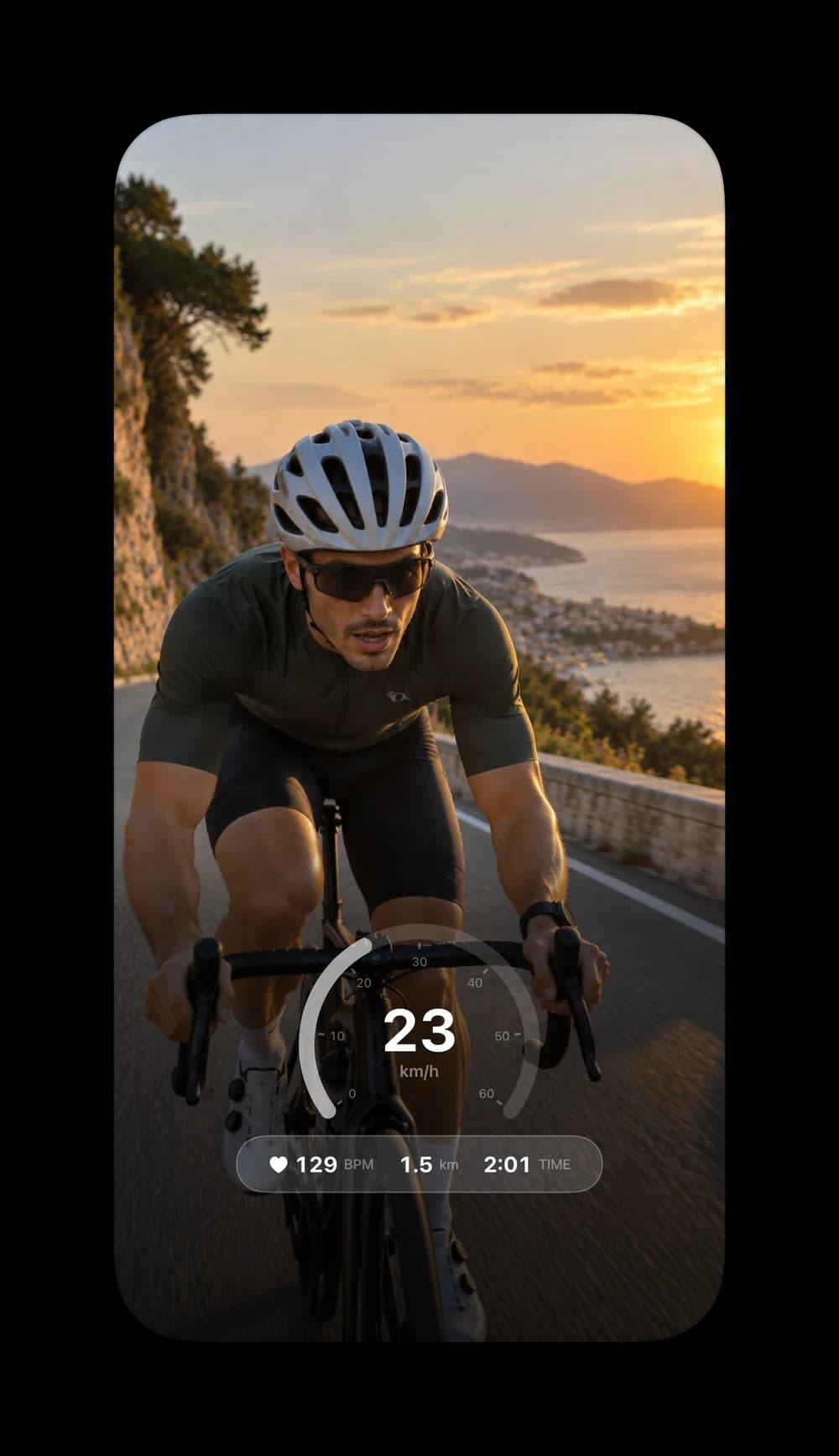
Cycling Overlays
A live speedometer with heart rate, distance and time.
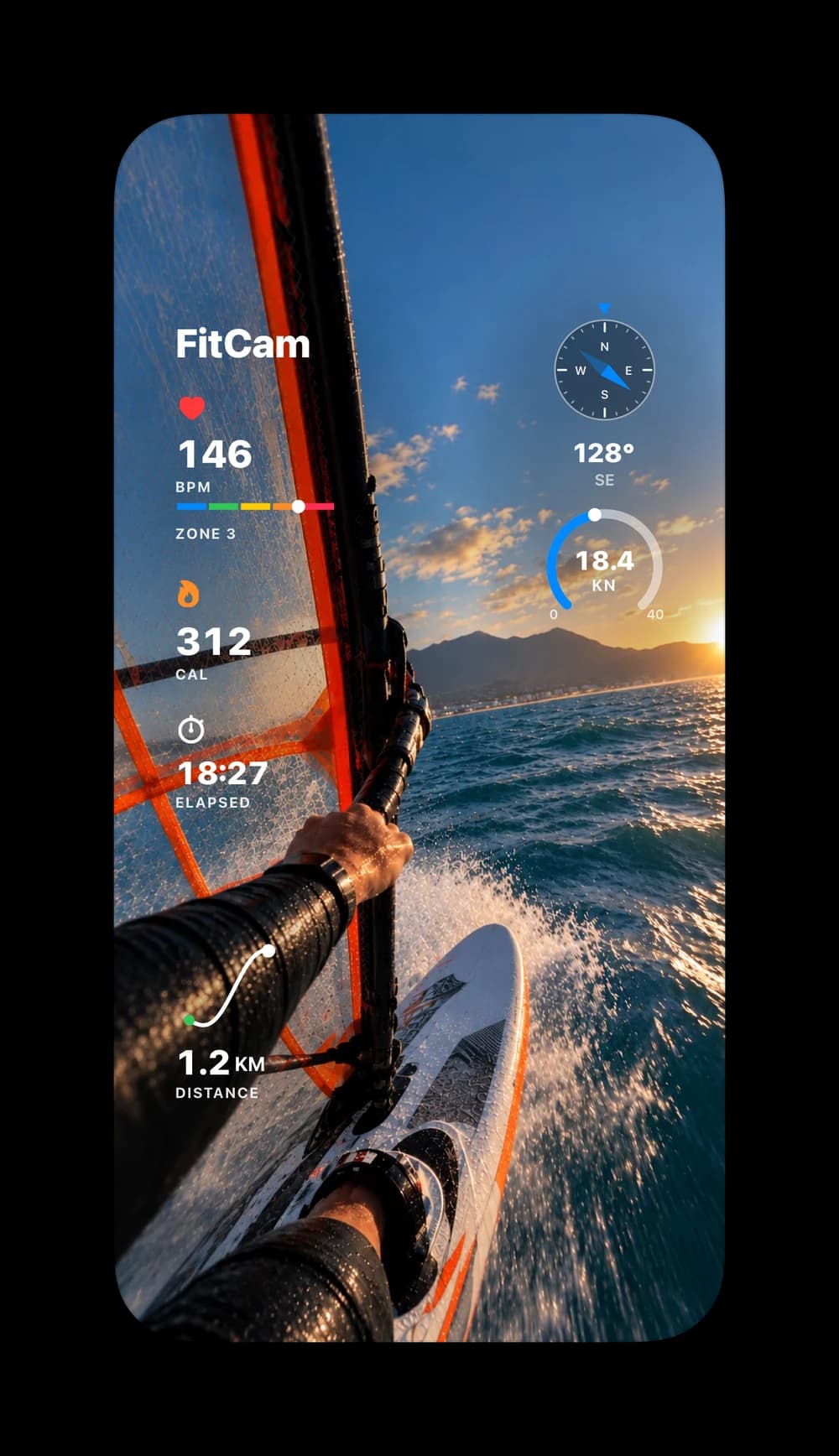
Surfing Overlays
Speed in knots, heading, heart rate and your route.
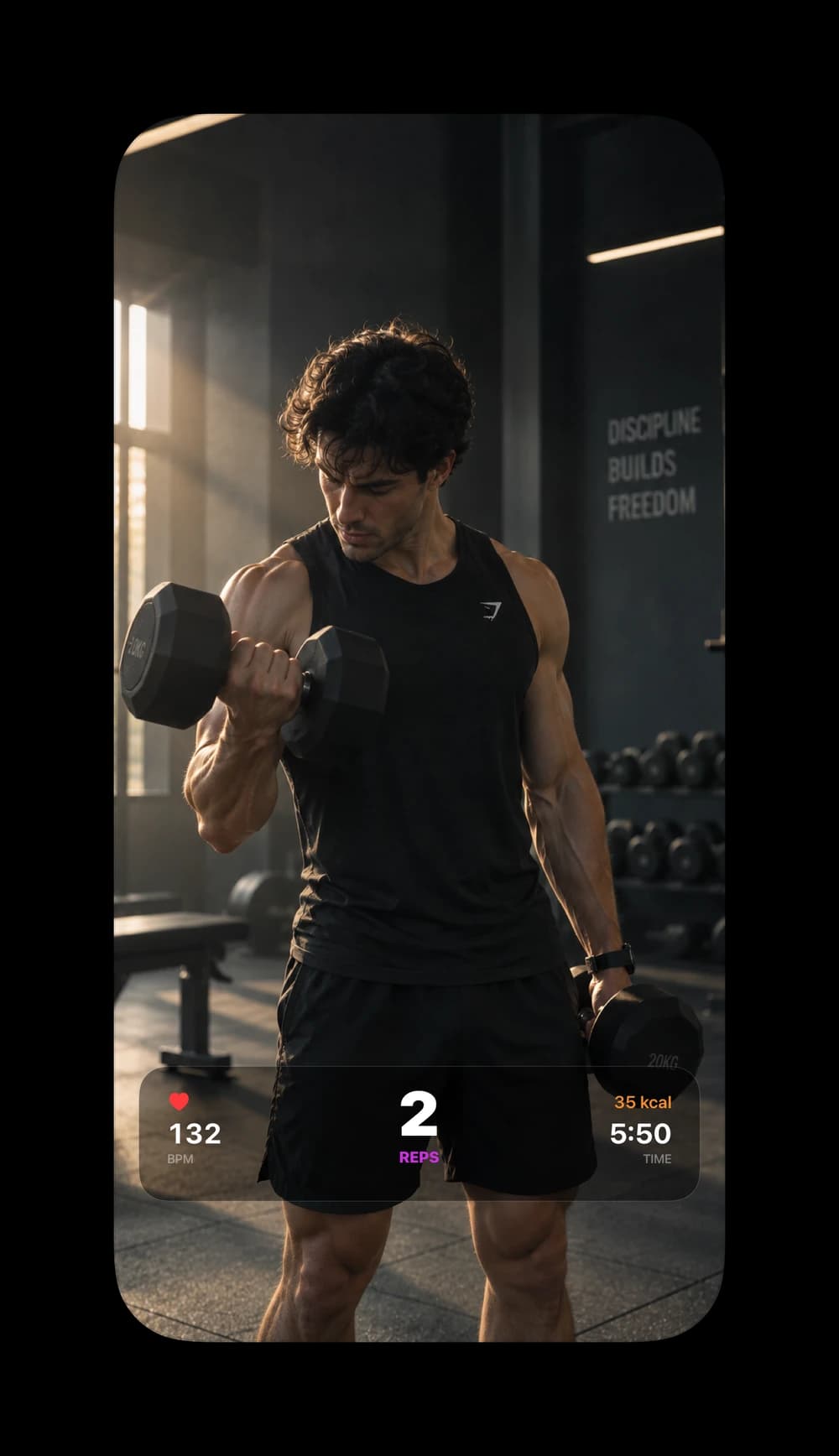
Gym Overlays
A rep count alongside heart rate, calories and time.
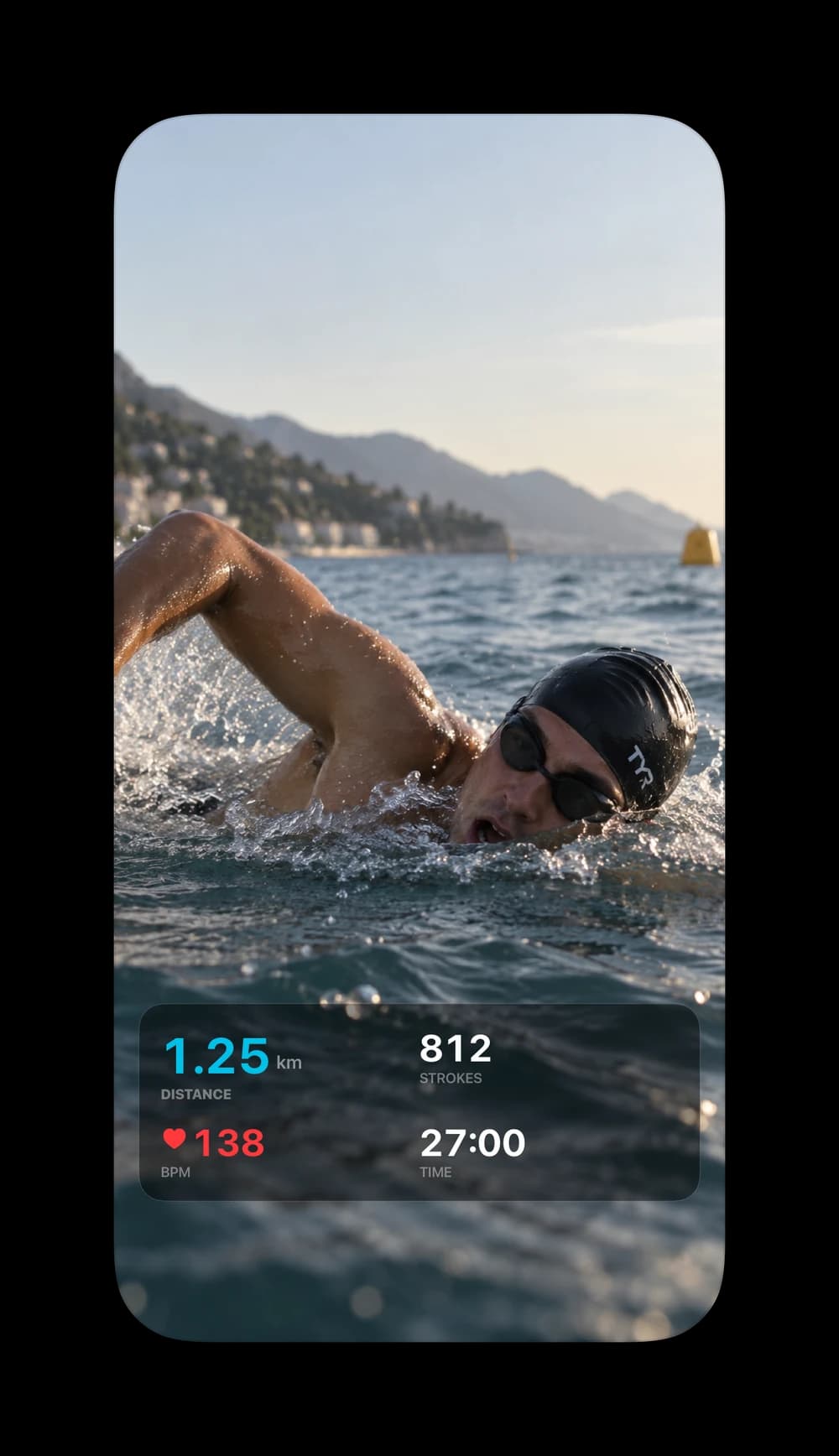
Swimming Overlays
Distance, stroke count, heart rate and time.
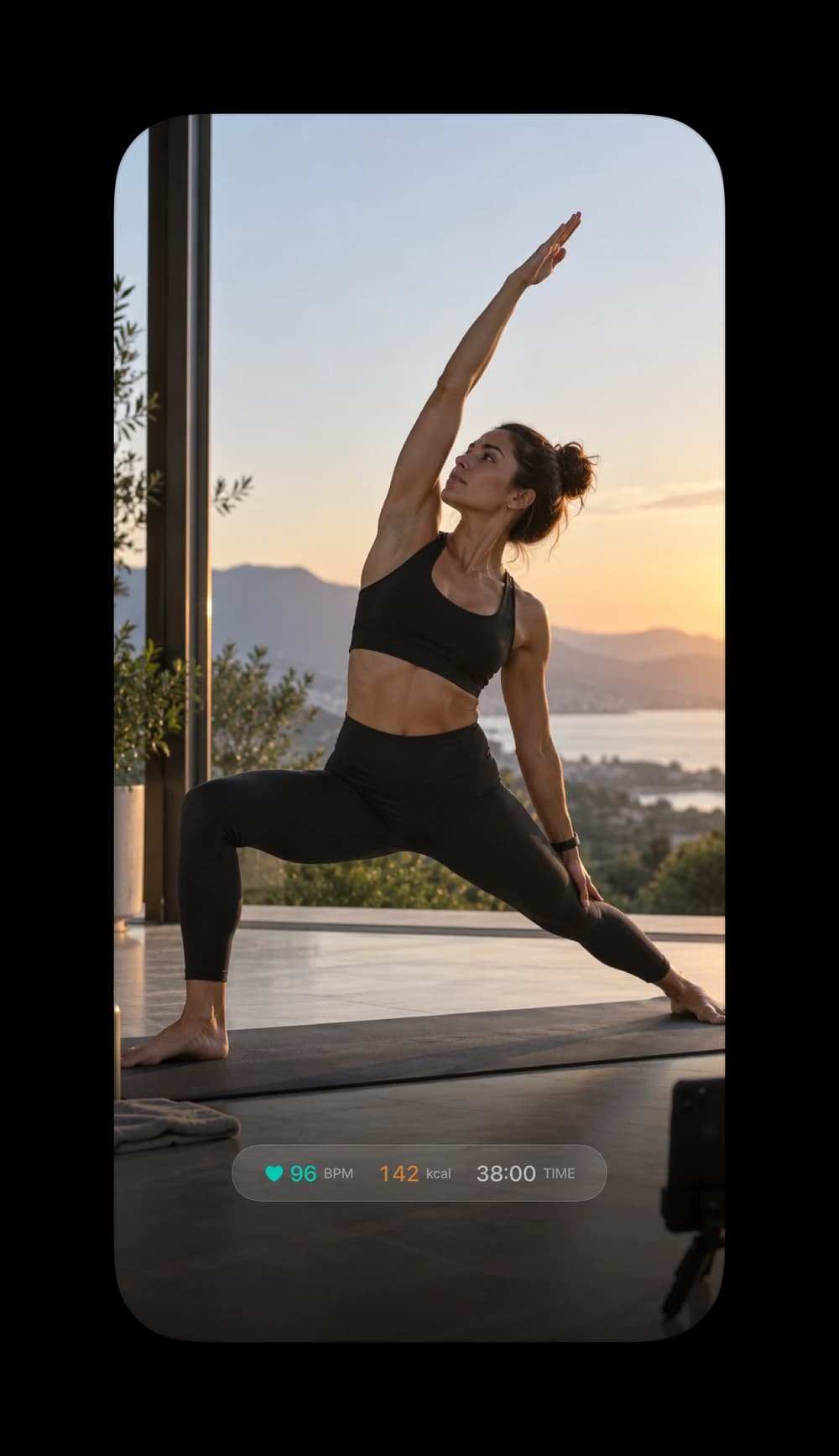
Yoga Overlays
A quiet strip of heart rate, calories and time.
COMING TO MAC?
Edit your workout videos on your Mac
If you'd use it, book a call with the founder and tell us how you edit today.
Get a 1-month free trial
Book a call with the founder (opens in a new tab)From the blog
View all →May 18, 2026
Camera Angles and Lighting for Cinematic Workout Videos on iPhone
Master the camera angles, lighting setups, and phone positioning that make gym and home-workout videos look cinematic — then add live stats overlays for a premium finish.
Read · 6 min
May 11, 2026
How to Make Your TikTok Workout Videos Look Professionally Produced
A practical guide to filming TikTok workout videos that look studio-grade on an iPhone — hooks, vertical framing, lighting, and live workout stats that build instant credibility.
Read · 6 min
May 4, 2026
How to Film Premium-Looking Workout Videos for Instagram Reels
The full playbook for filming workout Reels that look professionally produced — lighting, framing, phone setup, and live stats overlays that make every rep feel cinematic.
Read · 6 min
Apr 27, 2026
How to Import GPX, FIT, and Apple Health Data into Workout Videos
A complete guide to importing workout data from GPX files, Garmin FIT files, and Apple Health into FitCam's Video Editor to add live stats overlays to any existing footage.
Read · 5 min
Apr 20, 2026
How to Show a Live GPS Map on Your Running or Cycling Videos
Add a live GPS route map to your workout videos — watch your route build in real time as you run or ride, combined with speed, distance, and heart rate overlays.
Read · 4 min
Apr 13, 2026
How to Analyse Your Running Form with Live Stride and Cadence Overlay
Display stride length, ground contact time, vertical oscillation, cadence, and running power on your workout videos using FitCam's Running Form overlay and Apple Watch.
Read · 5 min