Film your workout with live fitness metrics
Heart rate, distance, and many more workout stats overlaid on the camera. Record and share on social media.
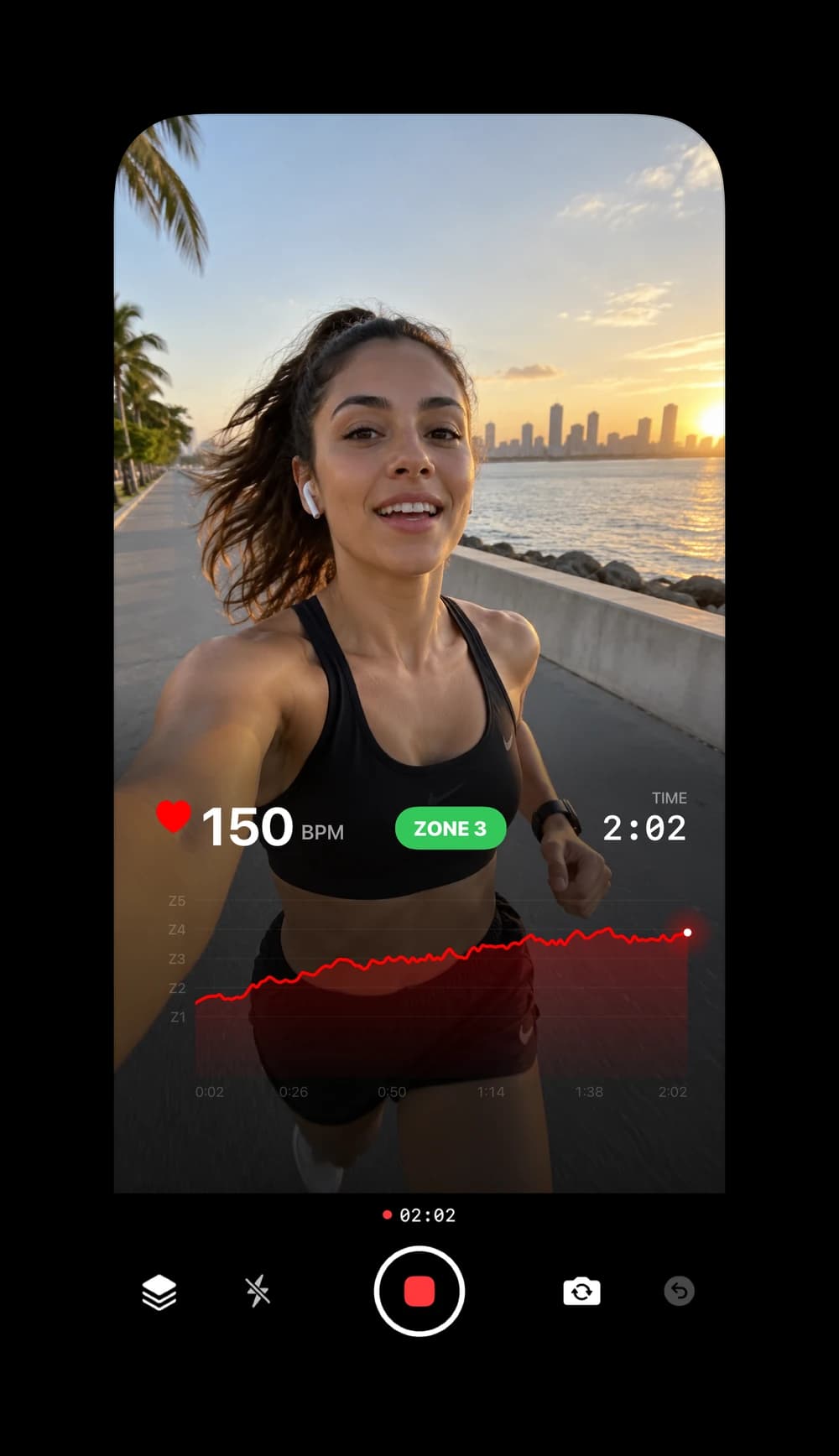
Start filming with live overlays
Your heart rate, training zone and workout time sit right on the camera as you record, with a live chart that climbs with your effort. What you capture is what you share.
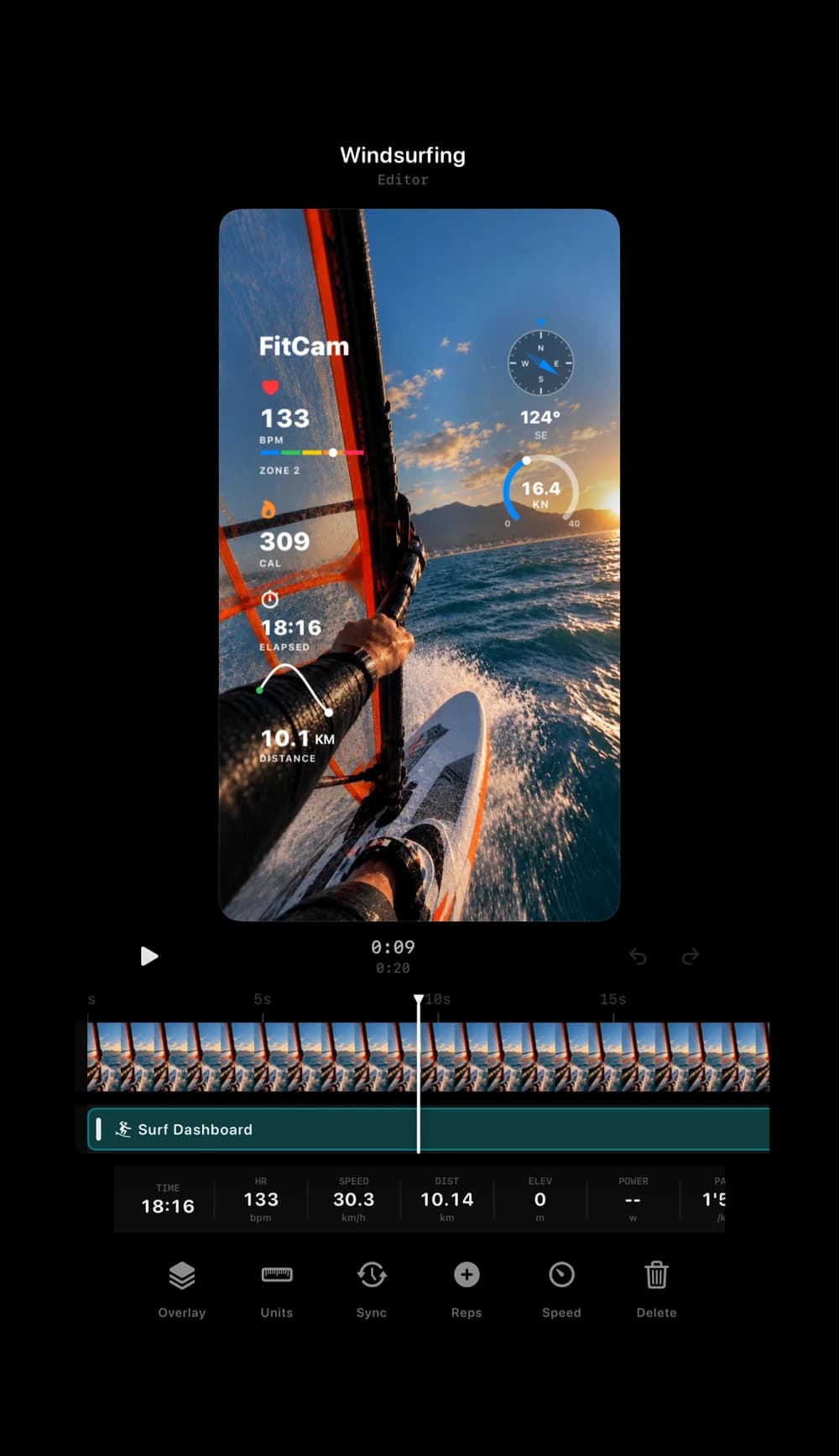
Import any video and workout
Bring in footage from any camera and FitCam finds the Apple Health workout you recorded at the same time, or import GPX and FIT files. Fine-tune the sync to the second, pick an overlay, and export.
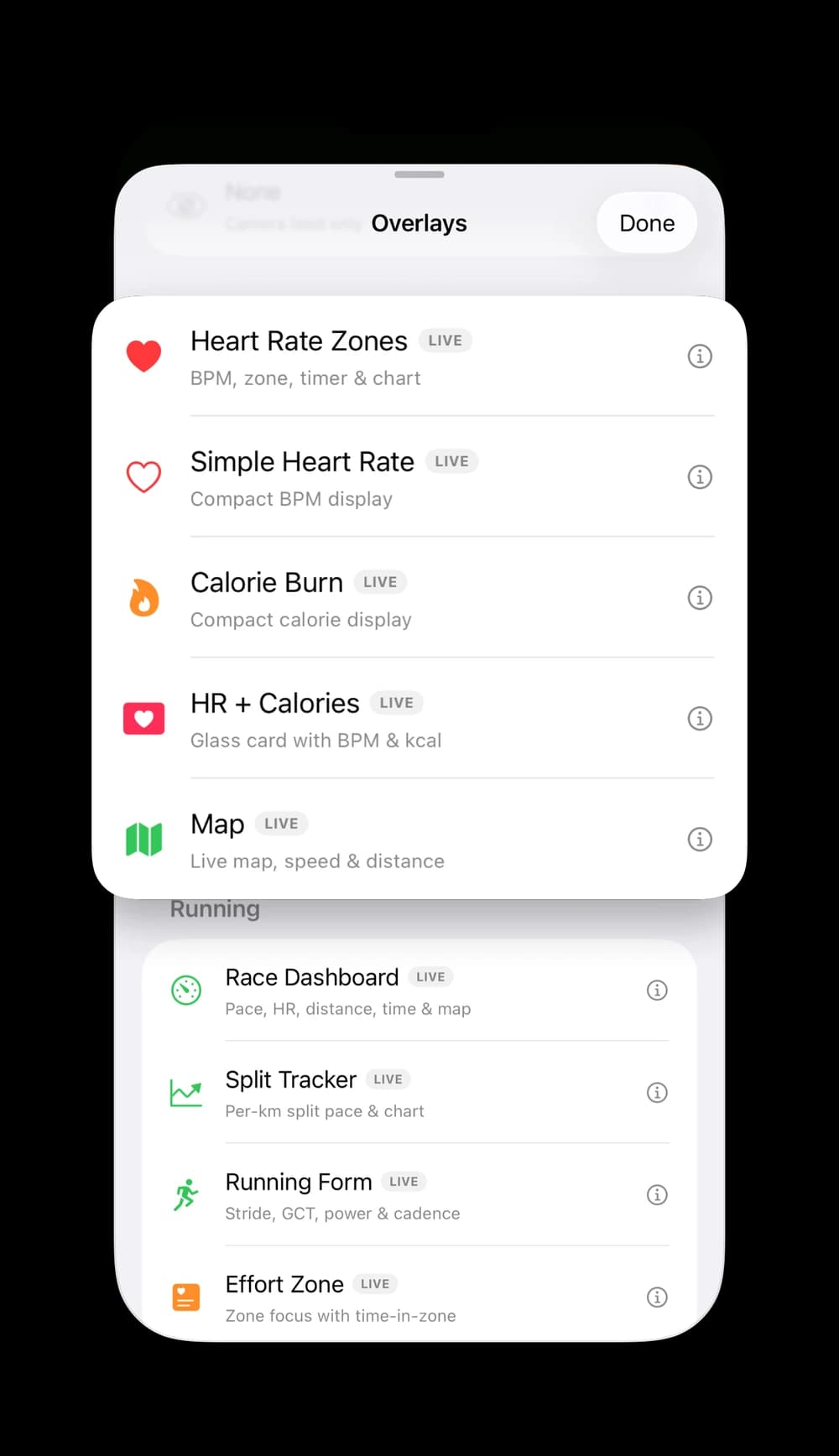
20+ overlays curated for every workout
Running, cycling, surfing, swimming, strength, HIIT, yoga and racket sports, each with an overlay built around the stats that matter for it.
Overlays for running, cycling, surfing and more
Each sport gets an overlay built around its own numbers, from heart rate zones on a run to speed and heading on the water.
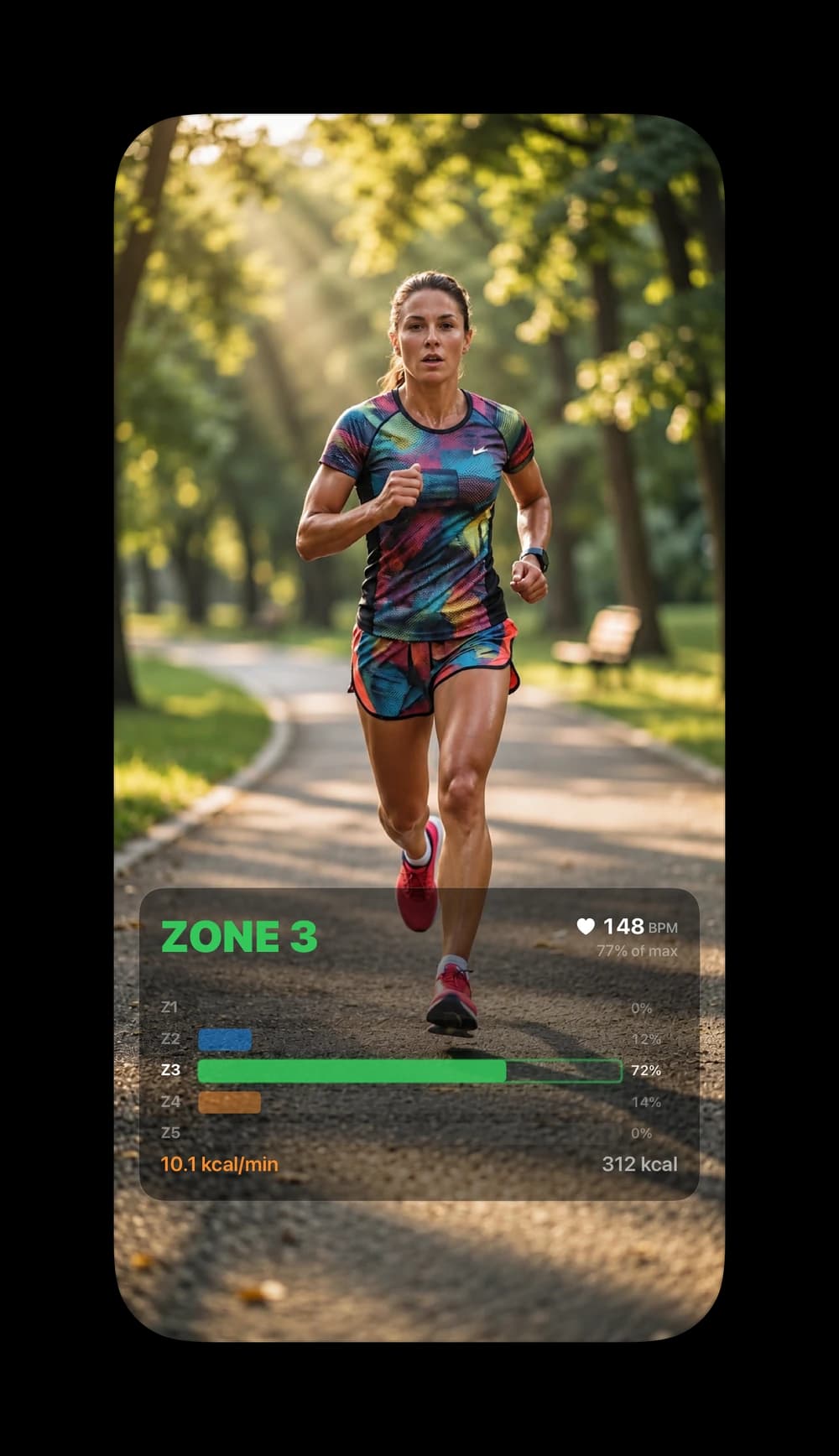
Running Overlays
Your heart rate zone, time in each zone and calorie burn.
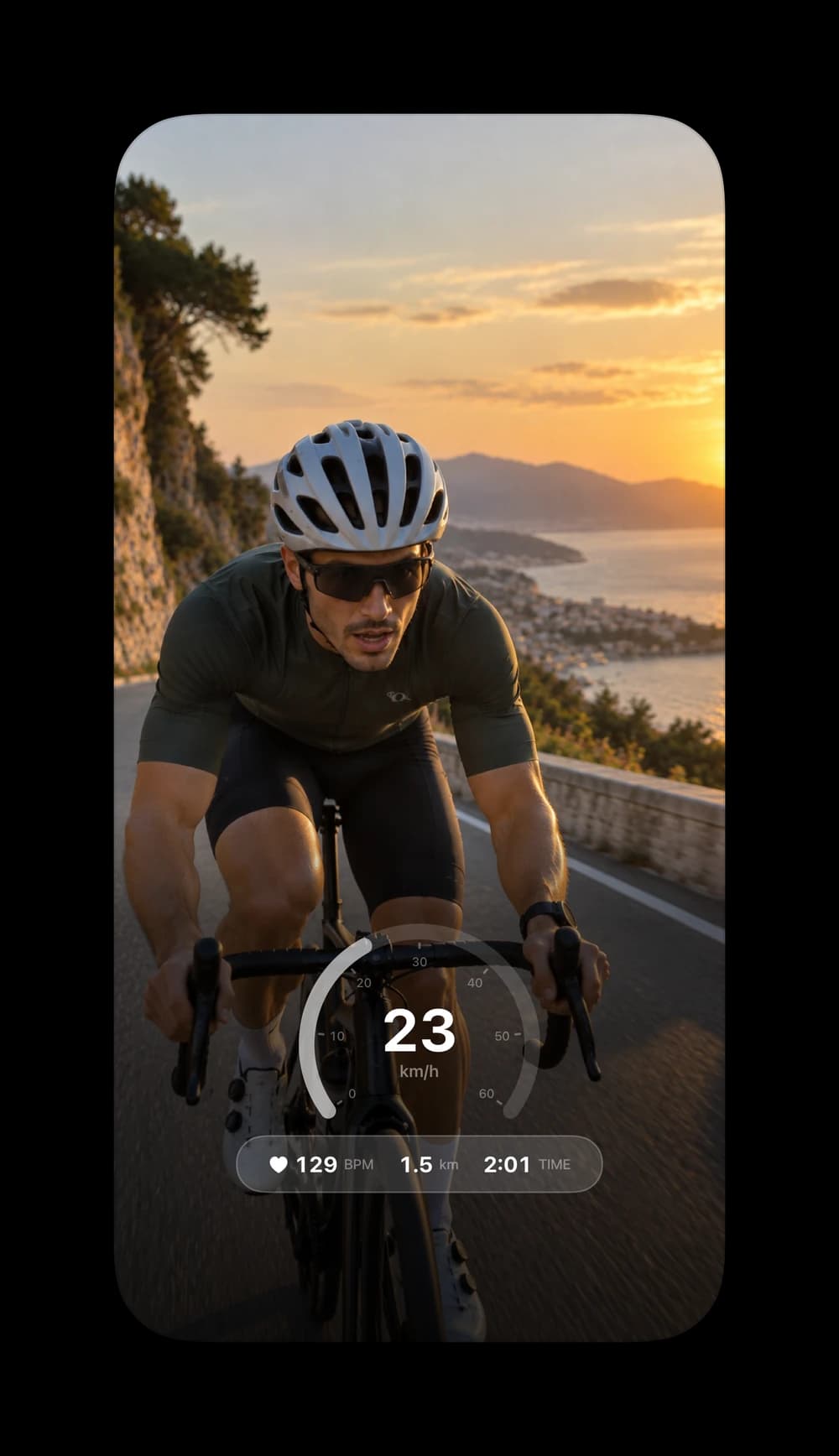
Cycling Overlays
A live speedometer with heart rate, distance and time.
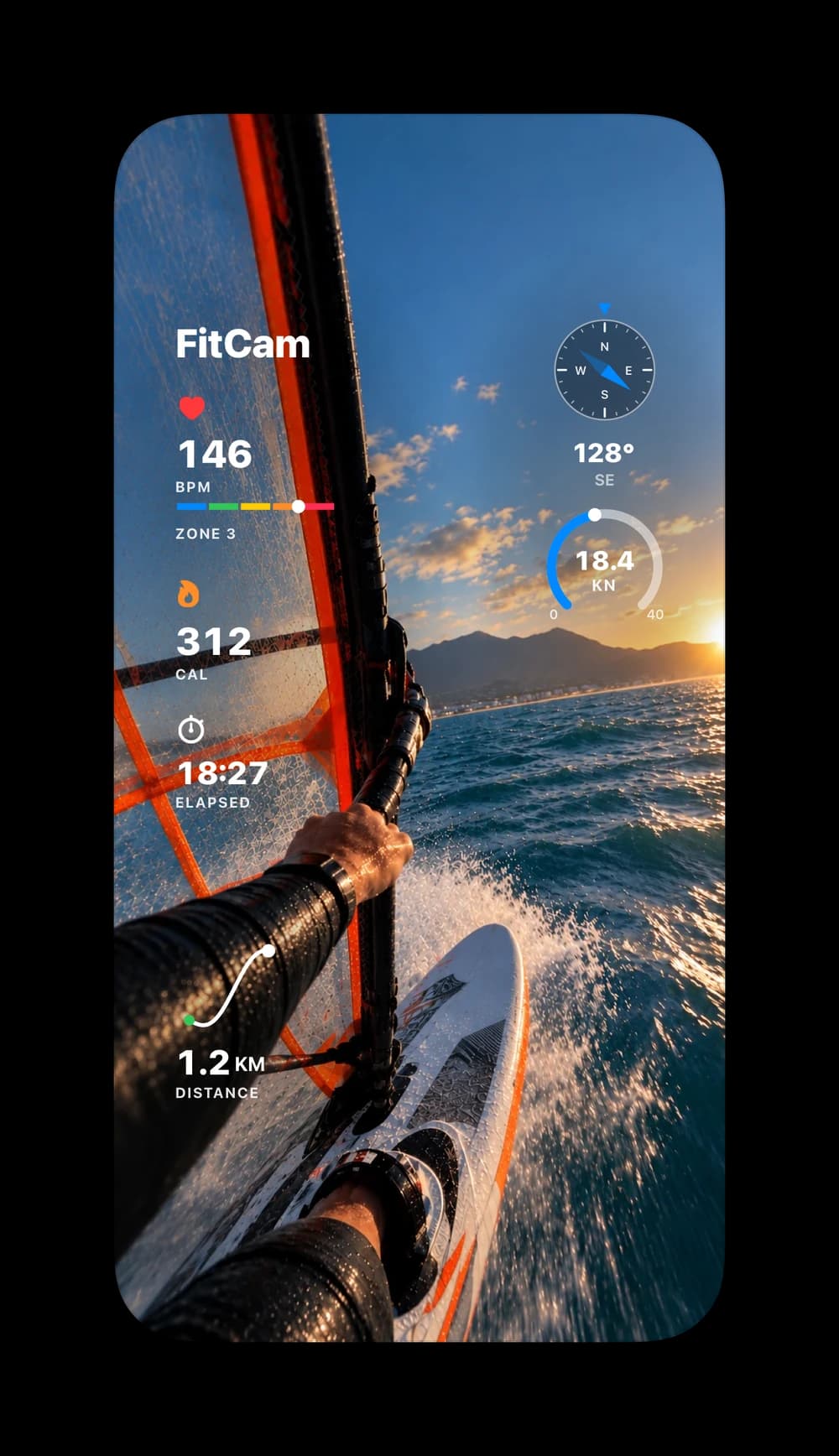
Surfing Overlays
Speed in knots, heading, heart rate and your route.
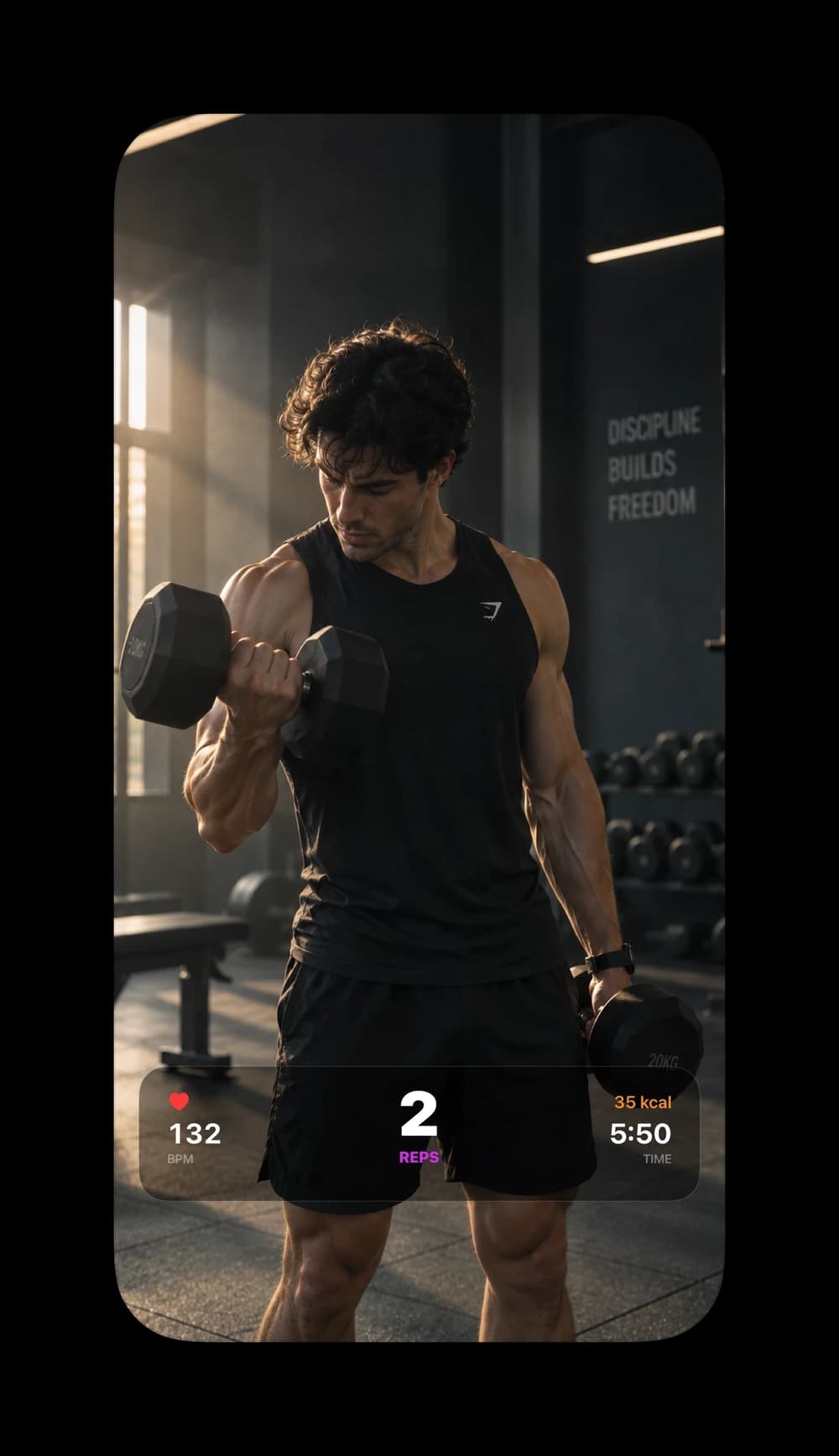
Gym Overlays
A rep count alongside heart rate, calories and time.
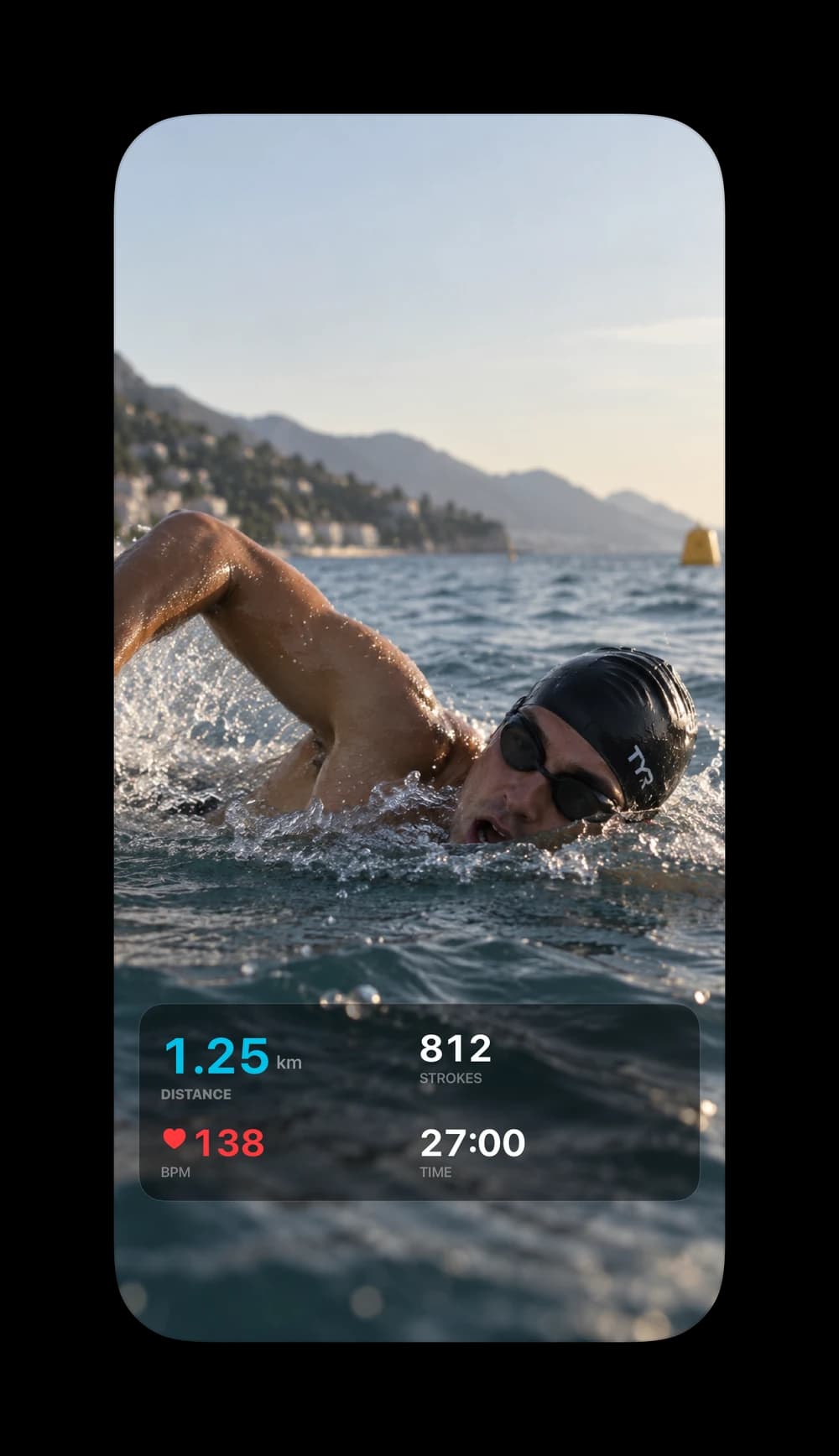
Swimming Overlays
Distance, stroke count, heart rate and time.
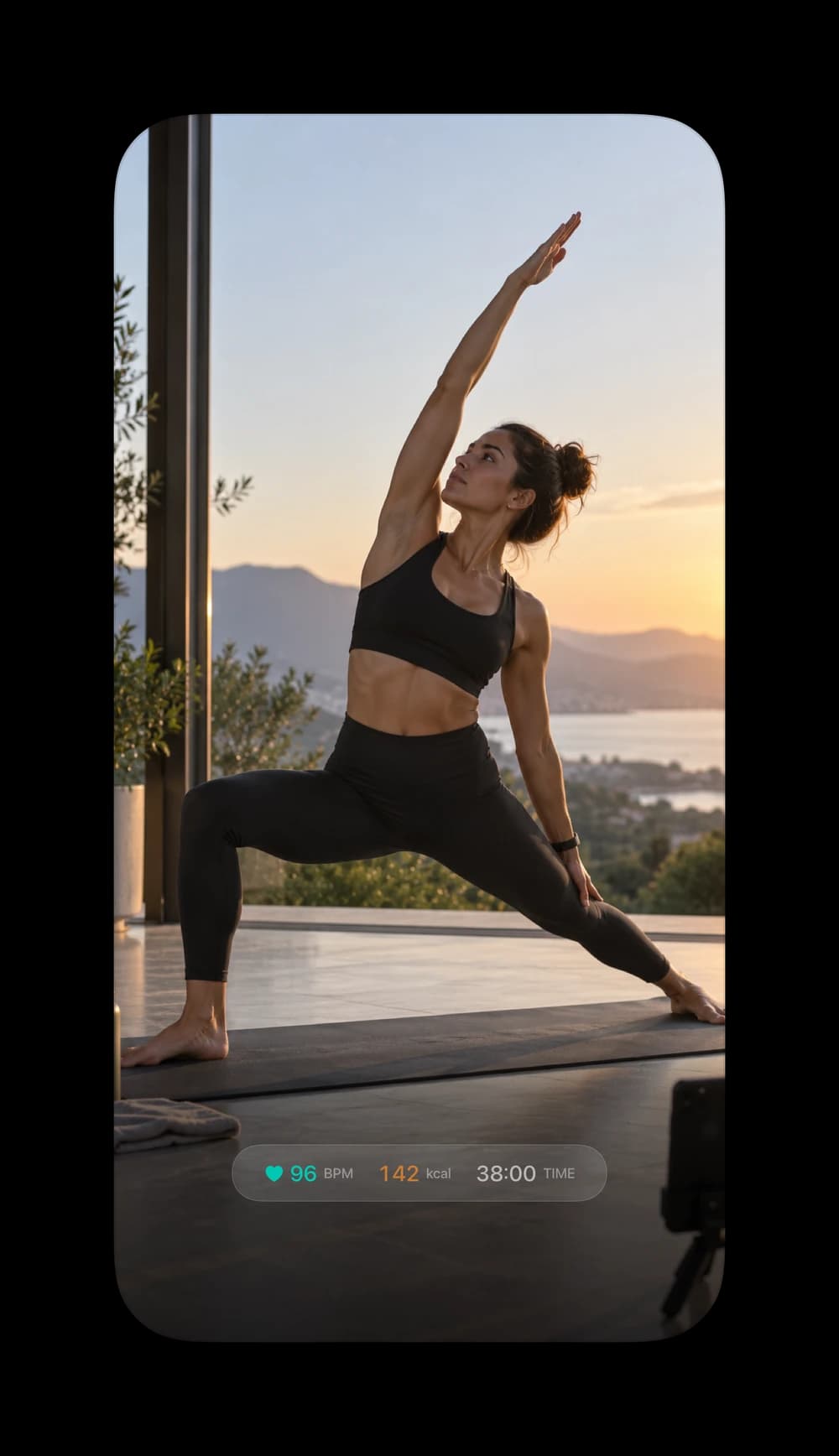
Yoga Overlays
A quiet strip of heart rate, calories and time.
COMING TO MAC?
Edit your workout videos on your Mac
If you'd use it, book a call with the founder and tell us how you edit today.
Get a 1-month free trial
Book a call with the founder (opens in a new tab)From the blog
View all →Nov 13, 2026
How to Track Your Training Progress with Video
Film your sessions with heart rate and pace on screen, then compare them weeks apart. A simple way to see your progress, not just read it.
Read · 2 min
Nov 12, 2026
How to Film Yourself Running with an iPhone
Five ways to film your own runs on an iPhone, the settings for each, and how to put pace, distance and heart rate on the video.
Read · 3 min
Nov 11, 2026
Best iPhone Camera Settings for Workout Videos
The iPhone camera settings that matter for workout videos: resolution, frame rate, HDR, exposure lock, stabilisation and slow motion.
Read · 4 min
Nov 10, 2026
How to Film Yourself Working Out Alone (iPhone Setup Guide)
How to film your own gym or home workouts on an iPhone: where to put the phone, how to frame the shot, gym etiquette and live stats.
Read · 5 min
May 18, 2026
Camera Angles and Lighting for Cinematic Workout Videos on iPhone
The camera angles, lighting setups and phone positions that make gym and home workout videos look cinematic, plus live stats overlays.
Read · 2 min
May 11, 2026
How to Make TikTok Workout Videos Look Professional
How to film TikTok workout videos that look studio-grade on an iPhone: hooks, vertical framing, lighting and live workout stats.
Read · 2 min